Friday, 24 April 2015

Task 4, P5, Unit 43


When switching between screen I made it so the information and pictures moved left out of the screen as well as it fades out. When this happens the next screen will then move and fade in from the right. Each screen requires you to mouse click to move to the next one as it stops on each screen.


To move the information a pictures from each screen to the next I used keyframes. This is the one for the logo at the start. It starts on the left had side at 0% opacity, then centers itself on the screen gradually going to 100% opacity and stopping n the middle and is then continued when you click on the screen. It will then move to the left off of the screen and gradually returning to 0% opacity.

Sunday, 15 March 2015

M1


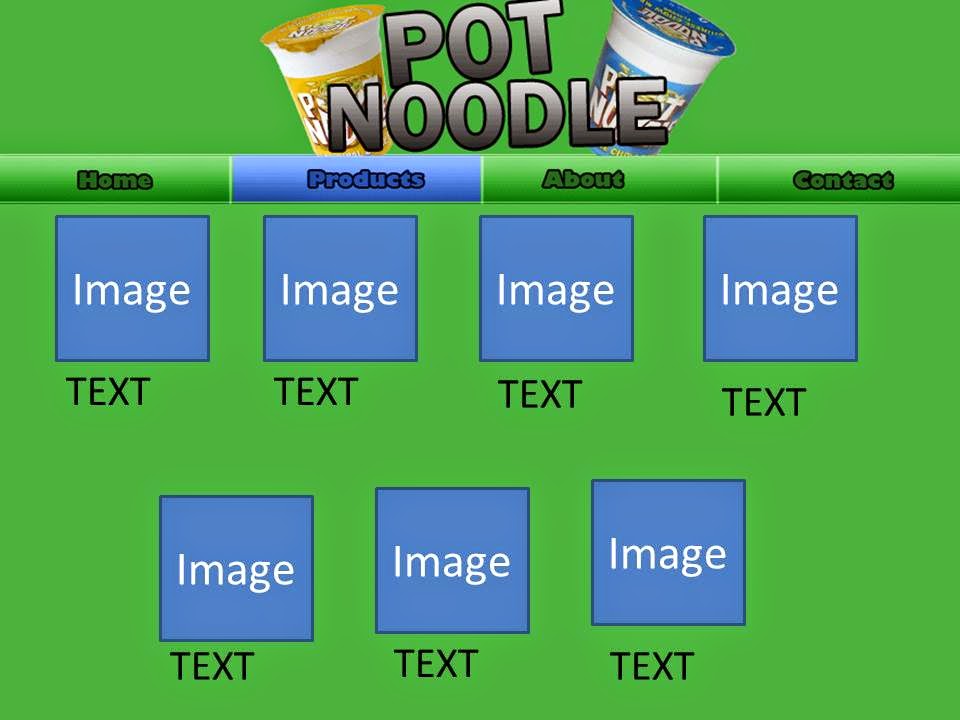
I have completely changed the layout of the design, instead of having 4 different pages containing their own information, i have made it so there is one page that gives a preview of what  they contain and you will be able to navigate between them by using the arrows on either side. Then to access more information, there will be a "Read More" button under most of the slabs of text leading to more detailed information.

Friday, 13 March 2015

Task 5 Legal requirements

http://theinspirationroom.com/daily/commercials/2008/3/pot-noodle-tipping-point.jpg

https://sociorocketnewsen.files.wordpress.com/2014/02/potnoodle1.jpg?w=580&h=387

http://www.slice-of-slim.com/2012/12/smash-grab-not-pot-noodle.html

http://i2.wp.com/kitchensanctuary.com/wp-content/uploads/2015/01/pot-noodle-tall3.jpg

All of these images are taken from different Blogs/Websites. To be able to use these images I would have to contact the person who, took the photos and uploaded them and ask for permission. Some of the images that i would use could be copyrighted by the owners, to use these i would have to ask for permission and in some cases i would have to pay to be able to use the images.

Wednesday, 14 January 2015

Unit 43 Task 1


P1


For my multimedia product I am going to create a Digital Brochure for Pot Noodle.
Multimedia Types: For example this could be sound and still or moving images, I am going to use still images for the digital brochure as it will a much cleaner design overall and as there is no specific target audience the still images will still look appealing but will also cater to the different audiences. But I may include a short video or an animation to fit the purpose as a digital brochure as it shows the product that i'm advertising.  The different type of media that are used are usually chosen depending on the purpose of target audience. For example for a digital brochure you would most likely use still images as it will look more formal but if it the product was aimed younger people the media type used would be sound and moving images as this would be more appealing to them.

Business Requirements: this includes the Target Audience, Purpose and the Platform. As this Digital Brochure is aimed at most audiences   One on the first tings to know when creating a multimedia product is the target audience, as each part of the multimedia product it tailored around this with the formality of the product and the types of media used. Another thing to consider when making the product would be the platform, for example the platform on PC would be .exe and MAC would be .dmg.

Business Objectives: promotion and advertising eg web pages, digital posters, virtual tours, education and training eg simulations, e-learning packages, entertainment and leisure eg computer games, virtual reality. When producing a multimedia product it is important to know which of these is it going to be based around depending on the purpose and the target audience. This product in particular will be used for advertising Pot Noodle.

Audience: This incudes areas such as profiles eg age, gender, culture, race, class, business, interests, IT literacy. The only thing that should impact the resulting product is the interests and the IT literacy of the audience. The promotional video should be kept at a fairly simple level to allow people who aren't very familiar to be able to use the multimedia product with ease. Although the product is aimed at all ranges of ages,  genders, cultures, races, I suspect the main audience will be thte younger generation.